


The Promise: What if you could build complex enterprise automations without ever reading documentation, learning JSON syntax, or dragging a single node?
I recently tested a new workflow: Agentic Automation. By combining a local AI agent with the Model Context Protocol (MCP), I discovered you can effectively "hire" an AI to be your n8n developer. It doesn't just write code; it has "hands" to log in, configure nodes, and build workflows for you.
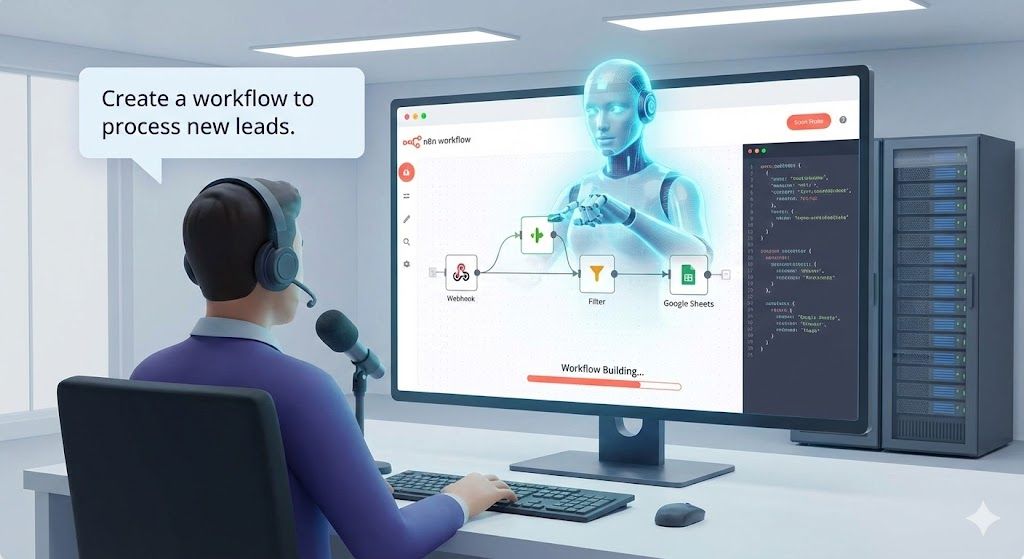
Here is how we moved from "learning n8n" to "managing n8n."
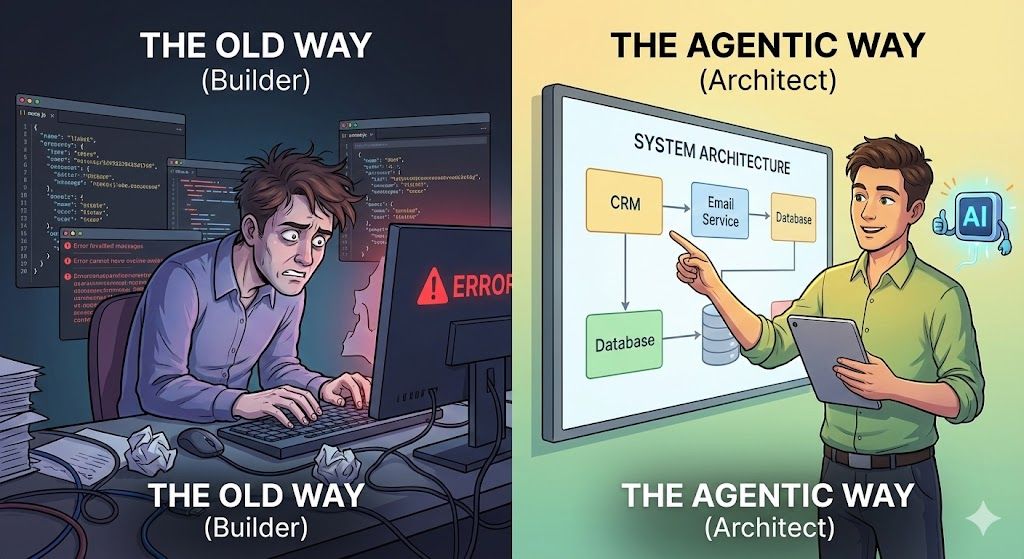
The Old Way vs. The Agentic Way
Usually, building an automation in n8n requires three things:
- Understanding the logic (The "What").
- Understanding the specific nodes and syntax (The "How").
- Debugging JSON data structures (The "Pain").
With an Agentic AI setup, you only provide number 1. The AI handles the rest.
We set up an environment where an AI agent (using tools like GitHub Copilot or Claude) connects directly to our local n8n instance via an MCP Server. This bridge allows the AI to "see" our workflows and "touch" the configuration, turning plain English instructions into deployed code.
The Setup: Giving the AI "Hands"
To make this work, we didn't use the cloud. We went local for security and control.
- The Engine: We run n8n on Docker. This keeps our data onsite and allows us to restart the environment instantly if the AI makes a mistake.
- The Bridge: We installed the n8n MCP Server (specifically
czlonkowski/n8n-mcp). This is the critical piece that connects the AI's logic to the n8n API. - The Training: We loaded n8n Skills (
czlonkowski/n8n-skills) into the agent, teaching it best practices so we don't have to correct its architecture.
The Proof: A "Zero-Knowledge" Build
To test this, I refused to touch the n8n UI. I simply gave the agent a prompt:
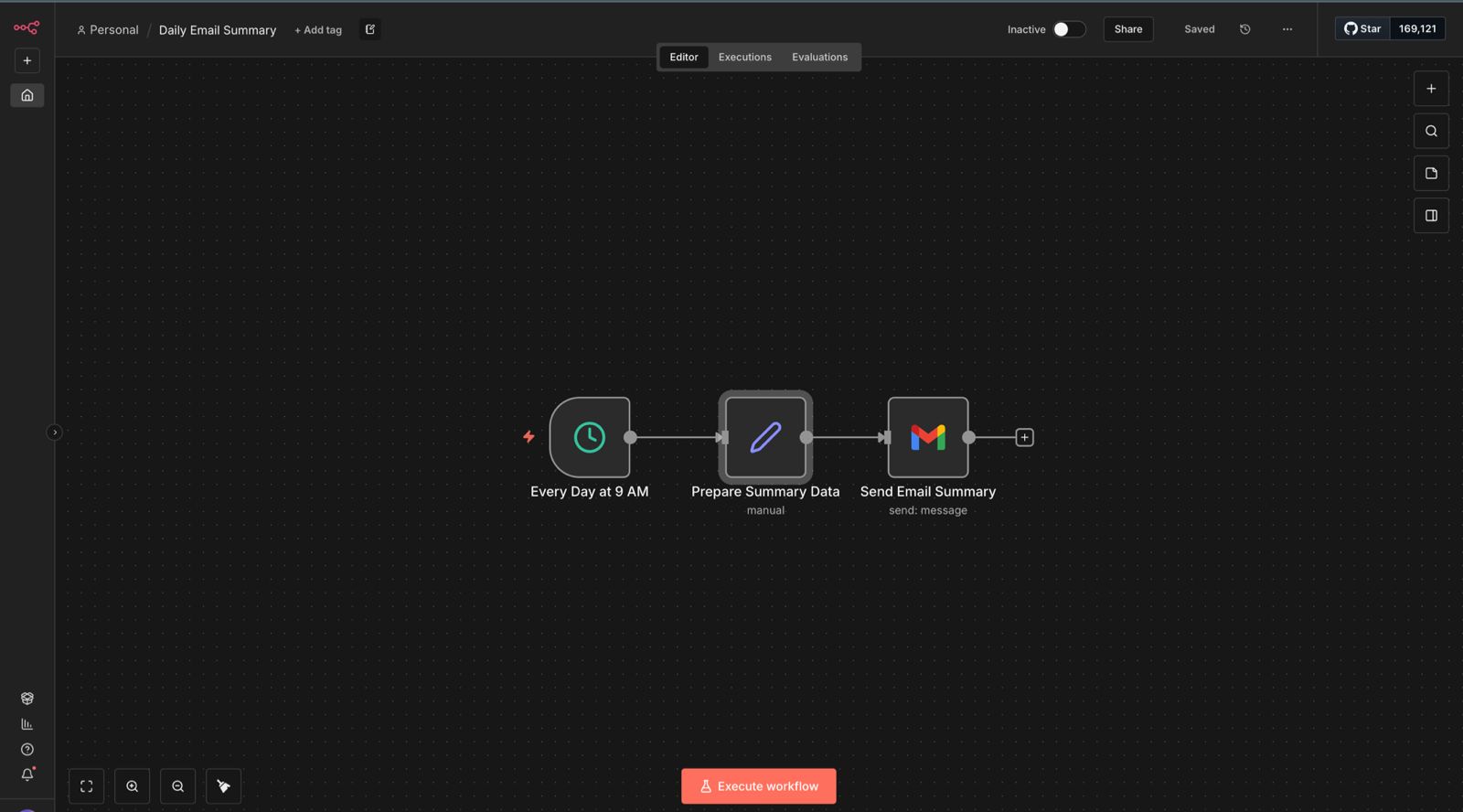
"Plan a workflow that runs every day at 9 AM, prepares a summary of my system status, and sends me an HTML email."
Here is what the Agent did on its own:
- Planning: It proposed a structure:
Schedule Trigger→Set Node(for data prep) →Gmail Node. - Building: It accessed the API and created Workflow ID
w48wL4XomVwZk6ZZ. - Configuring: It automatically set the Cron schedule to 9:00 AM and formatted the HTML email content without me writing a single line of HTML.
The result was a fully active workflow that runs daily, created entirely via chat commands.
The "Truth-Seeking" Reality Check
Is this magic? Almost, but not quite. Here is the nuance:
- You become an Architect, not a Builder: You don't need to know how to configure a "Merge Node," but you do need to know how to clearly articulate what you want.
- Small Steps Win: If you ask it to "build a CRM from scratch," it will fail. If you ask it to "build a form processor" and then "add a Slack notification," it succeeds.
- Security First: Running this in a local Docker container is the safest approach. We use a
.env.localfile to ensure credentials never leak.
The Future of Automation
We don't need to train the team on n8n node documentation anymore. We need to train them on Prompt Engineering and System Architecture.
By using Agentic AI with MCP, we have effectively removed the technical barrier to entry. The bottleneck is no longer "how do I build this?"—it's simply "what should we automate next?"
View Project on GitHubConclusion
This approach fundamentally shifts how we think about automation development. Instead of learning tools, we're learning to communicate intent clearly. The AI becomes a skilled developer on your team, and you become the product owner.
Ready to try it? Check out the START_HERE.md in the GitHub repository to spin up your own Docker container and start building workflows through conversation.